How to Replace Multiple Business Tools With One Platform

Replacing multiple business tools with one platform comes down to four steps: audit what you have (including the automations nobody documented), build a real cost case, pick a platform built around a single data model rather than a bundle of loosely connected apps, and migrate in controlled waves with parallel validation. For most service businesses running five to seven tools, a structured consolidation takes eight to twelve weeks and pays back within six to eighteen months.
The businesses that get this wrong skip the audit, choose a platform based on a scripted demo, and try to cut over everything at once. The ones that get it right treat migration like any other operational project: defined responsibilities, measurable success criteria, and a clear rollback plan if something breaks mid-transition.
This guide is for service business owners who are done stitching together a CRM, a scheduling app, a separate invoicing system, DocuSign, and a handful of spreadsheets held together with Zapier. You will learn what that setup is actually costing you in real dollars and hours, what a genuine integrated business system looks like in practice, how to make the case for switching, and how to migrate without losing data or operational momentum.
Key takeaways
- Tool sprawl has a real price tag: Field service businesses running six or more tools typically lose 8 to 15 hours per week to manual re-entry and carry 30 to 50 percent in avoidable licensing costs.
- Consolidation pays back: Most implementations reach positive ROI within 6 to 18 months when hard savings and recovered capacity are counted together.
- Audit before you move anything: Undocumented automations and spreadsheet workarounds are the most common source of data loss and workflow failure during migration.
- A single data model is non-negotiable: If a lead, job, invoice, and payment aren't the same connected record, you're buying a bundle, not a platform.
- Phase the migration: Wave-based migration with parallel validation is lower risk than all-at-once cutovers in both data integrity and team adoption, based on consistent industry guidance.
What tool sprawl is actually costing your service business
Small-to-mid-size U.S. field service businesses used an average of 6.3 separate software vendors in 2026, according to the State of Field Service Software 2026 survey by Ample Express. That number covers dispatch, accounting, payments, review management, and background checks. It does not count the spreadsheets nobody admits are running half the operation, or the average 4.7 paid add-on modules that same survey found bolted onto the core system.
The subscription line items are the easy cost to see. The real cost lives underneath that number. Field service office staff lose between 8 and 15 hours per week to manual re-entry across disconnected systems, according to analysis published by the Field Service Software blog.
Then there is the automation bill. Connecting five or more tools through middleware platforms adds both recurring subscription cost and ongoing maintenance overhead, broken automations nobody notices until a lead disappears, plus the hours operations teams spend on app-switching, reconciliation, and manually replicating records that a unified system would have created once.
The number that gets most owners' attention is lead leakage. Home service businesses lose roughly 30 to 50 percent of inbound leads due to slow follow-up caused by fragmented workflows, according to 2026 benchmarks from U.S. Tech Automations. When a lead travels from a form tool to a CRM to a scheduling app through manual steps, every handoff is a place where it can disappear. For a business generating 100 inbound leads per month, losing 35 of them is not a sales problem. It is a systems problem, and it is exactly what SaaS consolidation is designed to fix.
How do you know it's time to replace multiple business tools with one platform?
There are clear signals. The problem is that most service businesses normalize them over time and stop seeing them as the bottleneck they actually are.
Watch for the master spreadsheet. If your office manager keeps a separate spreadsheet to supplement your CRM because the CRM does not talk to your scheduling tool, you are already paying the consolidation cost, you are just not getting the benefit. You are carrying the overhead of fragmentation without any of the efficiency a unified system delivers.
A second signal is the customer status call. When a customer asks about their job and you have to check three different systems before you can answer, your stack is failing you. This is not a process problem. It is a data model problem. The information exists, but it exists in the wrong places and in formats that do not connect to each other.
The growth ceiling is the signal that makes the decision urgent. At a certain headcount, one that many operators describe as somewhere in the range of 10 to 30 employees, office staff spend more time administrating software than supporting field crews, the owner reconciles job costs manually at month-end, and new technicians take weeks to onboard because every tool has a separate login and workflow. At that point, the tools are the bottleneck, not the team, and adding more people to a broken system only amplifies the problem. Replacing multiple tools with one solution is the move that breaks the ceiling.
What a truly consolidated platform looks like
A real all-in-one business platform is not a bundle of apps that share a login. It is a single system where a customer record, a job record, and a payment record are the same object: created once and reused across every module without re-entry. That architectural difference separates a genuine platform from a collection of acquired tools painted to look like one product, and it is the first thing to verify when you start evaluating vendors.
Here is what the revenue cycle looks like on a genuinely unified system. A lead comes in from an ad, gets scored and routed automatically, converts to an estimate generated from a photo, becomes a signed contract, triggers a scheduled job, dispatches a crew with GPS tracking, and closes with an automatically generated invoice that syncs to accounting. No copy-pasting. No export and import. No Zapier in the middle. That is what it means to replace multiple business tools with one platform in practice, not just on a marketing slide.
URBLD is built on exactly this architecture. It is an AI business operations platform designed for field service and installation businesses, covering the entire revenue cycle natively. CRM and lead management run alongside scheduling and dispatch. Photo-based estimating connects directly to native contracts and e-signatures. Crew management with GPS clock-in feeds into automated invoicing, which triggers on job completion and syncs to accounting in real time. For roofing, HVAC, solar, and home improvement businesses that have outgrown a patchwork of Jobber, QuickBooks, DocuSign, and a scheduling app, this is what the alternative actually looks like.
Here is the contrast between a fragmented stack and a unified system across the functions that matter most:
The question to ask any vendor is simple: does a change in one module update the record across all others in real time, without a sync job? If the answer involves a third-party tool, it is a bundle, not a platform.
How to build the ROI case before you replace your tech stack
Before you evaluate a single vendor, put a number on what staying put is costing you. The exercise is straightforward and will make the decision obvious before you ever sit through a demo.
Separate your costs into distinct buckets. Hard costs include subscription fees for every tool in the stack, middleware licensing, and admin time spent maintaining connections between tools. Soft costs cover employee hours lost to manual re-entry (valued at loaded labor cost rather than base hourly rate), lead leakage as a percentage of monthly inbound volume, invoicing delays that extend your cash collection cycle, and errors that require rework. Migration costs cover implementation, data cleanup, training, and the period of dual subscriptions while old and new systems run in parallel.
The research gives clear benchmarks for the return side. Consolidating a fragmented stack typically reduces direct software licensing costs by 30 to 50 percent, according to analysis published by workd.com. Most implementations reach positive ROI within 6 to 18 months when productivity gains are included. A Forrester-commissioned study of the Lucid platform's consolidation outcomes reported 410 percent three-year ROI after accounting for efficiency and recovered capacity, a vendor-sponsored figure, but directionally consistent with the broader range of consolidation benchmarks. Your numbers will vary, but the math points in the same direction for almost every service business running more than five tools.
Build the business case with conservative estimates on soft costs. A case that holds up under scrutiny is more useful than one that requires perfect execution to break even. If the numbers work at 50 percent of the projected soft cost benefit, make the decision at that level. Everything above it is upside you did not have to count on.
How to audit your current stack before you switch anything
Most businesses discover tools they forgot they were paying for, integrations nobody documented, and data in places nobody expected. The audit is not optional. It determines whether the migration succeeds or fails, and it has to happen before any vendor conversation.
Build a tool inventory register first. List every application, spreadsheet, automation, and manual process. For each one, record the business function it serves, who owns it, how many people use it actively, what data it holds, and what it connects to. Pay particular attention to undocumented middleware workflows and spreadsheets being used as bridges between systems. These break silently during migration if you do not find them before you start moving anything.
After the inventory, map the dependency chain. If you update a customer record in the CRM, what else changes? What downstream systems read from that field? What custom reports pull from it? Build a simple map of these connections before touching anything. Undocumented automations and manual workarounds are the most common source of data loss and workflow breakage during SaaS consolidation. Find them while the legacy systems are still running and you still have time to document the logic they were carrying.
Then classify your data into four categories: must migrate, migrate if practical, archive, and delete. Historical job records that nobody queries do not need to live in a live production system. Inactive leads from several years back do not need to move at all. Clean before you migrate. Moving dirty data into a clean platform does not consolidate your stack, it reproduces your old mess in a new environment with a higher monthly cost.
What to look for when evaluating a platform to replace multiple tools
Many platforms carry an "all-in-one" label that does not hold up under a direct question about data architecture. A platform assembled through acquisitions may share a login across its modules without sharing a data model, which means it still requires manual handoffs between its own components. That is exactly what you are trying to eliminate when you replace multiple business tools with one platform, so it is the first thing to test.
The non-negotiables for a field service business: a single data model where the customer record connects natively to jobs, invoices, and payments; a cross-module automation engine with conditional triggers that runs without a separate tool; native invoicing that fires on job completion without a manual step; and role-based access control that gives crews, office staff, and owners the right view of the same underlying data. If any of these require a third-party integration to work, the platform is not truly unified.
The clearest red flags show up in the vendor demo. If the interface changes visually when you move from scheduling to invoicing, that is a bundle. If moving a lead to a job requires an export and import step, the system is not connected. If the answer to "how does invoicing sync to accounting?" involves a Zapier workflow, that is a red flag regardless of how the vendor frames it.
Bring specific questions into every vendor conversation. What happens when a job closes, does the invoice generate automatically? How are crew schedules updated when a job gets rescheduled? What does the data model look like between a lead, a job, and an invoice? Can you export all your data at any time, in a usable format, without restriction? These questions separate platforms built as integrated business systems from those assembled through acquisitions and rebranded as one product.
How to migrate without disrupting live operations
The migration is the part most service business owners fear most. Done in controlled phases, it is manageable. Done all at once, it is an operational disaster that costs more in recovery time than the migration itself.
Start with lower-risk data: contact records and historical estimates. Validate them fully before moving operational data like active jobs and open invoices. Migrate live workflows last. A typical consolidation of five to seven tools runs eight to twelve weeks from audit to final decommission. That is not a long runway given that the payback period starts the moment you cancel the first redundant subscription.
Run old and new systems in parallel after each migration wave. Keep the legacy system read-only while the new platform becomes the system of record for new transactions. A parallel window of two to four weeks per wave gives your team a safety net and a clean comparison point to validate that records, totals, and relationships migrated correctly. Do not cancel subscriptions on cutover day. That removes your rollback option and creates the kind of anxiety that pushes teams back to spreadsheets, the worst possible outcome after a successful technical migration.
The training mistake that sinks most migrations is teaching people where the buttons moved instead of teaching them how the workflow changed. If invoicing now fires automatically on job close, your office manager needs to understand the trigger logic and the exception-handling process, not just where the invoice tab lives in the new interface. Role-specific training, short reference guides, and a clear escalation path during the first month are what separate high-adoption rollouts from ones that stall and revert.
Common consolidation mistakes that derail the switch
Most consolidation projects that fail do not fail because of the platform. They fail because of what happened before and after the switch.
Migrating dirty data is the most common mistake. When you import years of duplicate contacts, stale leads, and mismatched job records into a clean platform, you have not consolidated your stack, you have exported your mess into a new environment. Deduplicate contacts, close out completed jobs, reconcile open invoices, and archive historical records before migration. The time spent on data cleanup before migration is always less than the time spent fixing corrupted data inside a live production system.
Underestimating functionality gaps is the second way projects go sideways. Not every all-in-one platform does everything at the same depth as the best-of-breed tools it replaces. The most common gaps are in advanced reporting, workflow flexibility, and industry-specific features. Mitigate this before you sign anything: run pilots with your actual team using real scenarios, not scripted vendor demonstrations. Identify your two or three non-negotiable workflows and pressure-test them specifically. If the platform handles those well, minor gaps in secondary functions are manageable over time.
Decommissioning old tools too quickly rounds out the pattern. Keep read-only access to legacy systems for at least two to four weeks after each migration wave, and complete the full decommission only after business owners have validated every critical workflow in the new platform. Canceling subscriptions the day after cutover removes your rollback option and creates the kind of pressure that pushes teams toward shadow systems. Give the transition enough runway and the adoption problem largely takes care of itself.
The next step for service businesses ready to consolidate
The decision to replace multiple business tools with one platform is an operational choice with a measurable ROI and a defined migration path, not a technology project that requires a dedicated IT team. Audit before you move. Choose a platform built around a single data model rather than a loosely connected bundle. Migrate in controlled waves. That sequence works, and it works consistently across business types and stack sizes.
The math supports what most experienced operators already sense. Published analyses consistently show 30 to 50 percent reductions in licensing costs and 6 to 18 month payback periods when the platform is genuinely unified. The businesses that stay fragmented keep paying the hidden tax: middleware fees, re-entry hours, leads that fall between tools, and a growth ceiling that hits when the stack simply cannot keep up with volume.
If you recognized your own stack in these pages, the path forward is clear. Reach out to our team at URBLD. Walk us through what you are currently running, and we will show you exactly what the consolidated version looks like for your specific business type, and what the migration path looks like from where you are today.
Frequently Asked Questions
Will consolidating to one platform reduce our software subscription costs?
Yes, consolidating typically reduces direct software licensing costs by about 30 to 50 percent. We also recover capacity and eliminate middleware fees, so the total savings combine lower subscriptions with fewer re-entry hours and maintenance overhead.
How soon will we get a positive return after switching to a unified platform?
Most implementations reach positive ROI within 6 to 18 months. We see that timeframe when counting both hard savings and recovered productivity, and vendor-sponsored studies show even larger multi-year returns directionally consistent with those benchmarks.
What if the all-in-one platform lacks some advanced features our best-of-breed tools provide?
Feature gaps happen and are most commonly in advanced reporting, workflow flexibility, and industry-specific functions. We recommend running pilots with your real team on your two or three non-negotiable workflows to pressure-test the platform and confirm whether minor gaps are manageable over time.
If something breaks during migration, can we roll back without major disruption?
Yes, a controlled rollback is possible if you keep legacy systems readable and run waves in parallel. We advise keeping the legacy system read-only for two to four weeks per wave and not canceling subscriptions on cutover day so you retain a safety net and a clear comparison point for validation.
Related articles

Top FSM Software for Contractors in 2026: 9 Best Picks
Compare the top FSM software for contractors in 2026: ranked by automation, ease of use, and real cost. Find the right platform for your crew size and workflow.
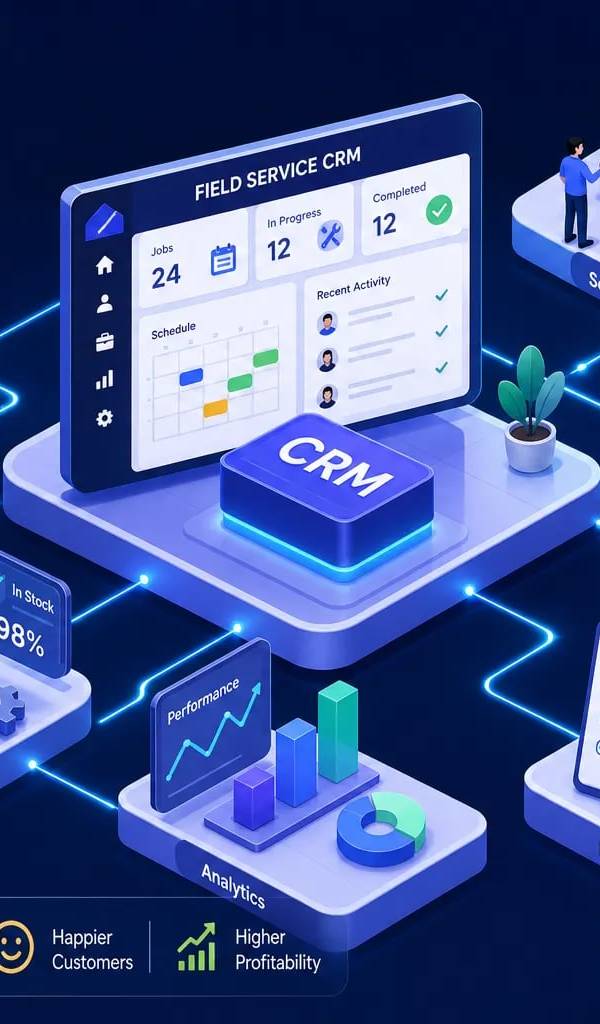
Field Service CRM: Features, Pricing, and How to Choose
A field service CRM does far more than a generic CRM. Learn the must-have features, top platforms, pricing models, and how to pick the right one for your team.

Best Contractor Invoicing Software for 2026 (Compared)
Compare the best contractor invoicing software of 2026. See features, pricing, and top picks for job costing, mobile billing, and faster payments.
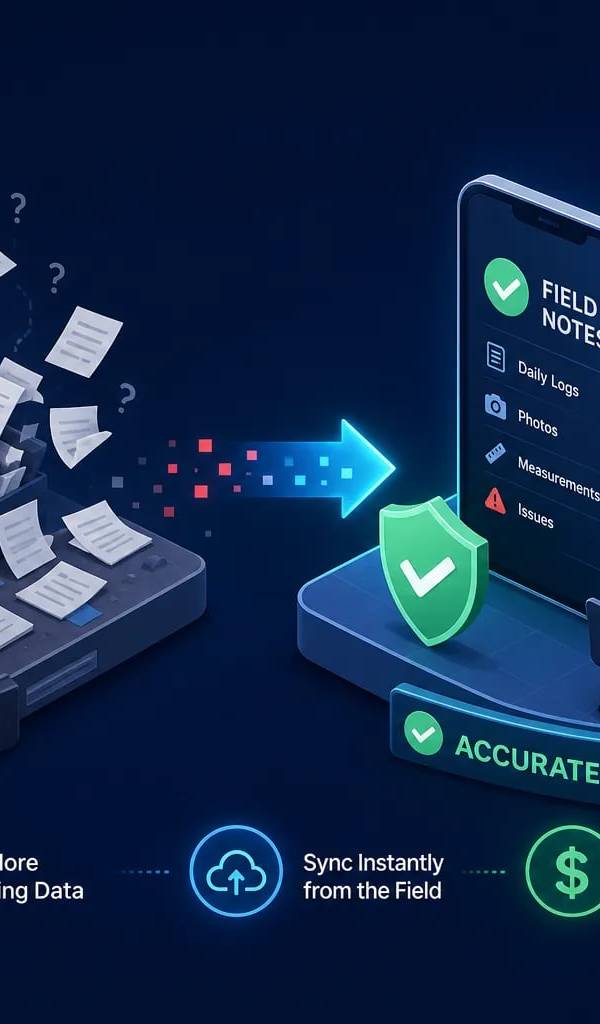
Field Notes Software: Stop Losing Job-Site Data at Billing
Field notes software captures job-site data — but disconnected tools create silos. Learn what to look for and how an integrated platform fixes it.

Roofing Operating System: The 2026 Contractor's Guide
A roofing operating system connects leads, estimates, crews, and invoices in one platform. Compare top solutions, pricing, and ROI for 2026 and find yours.
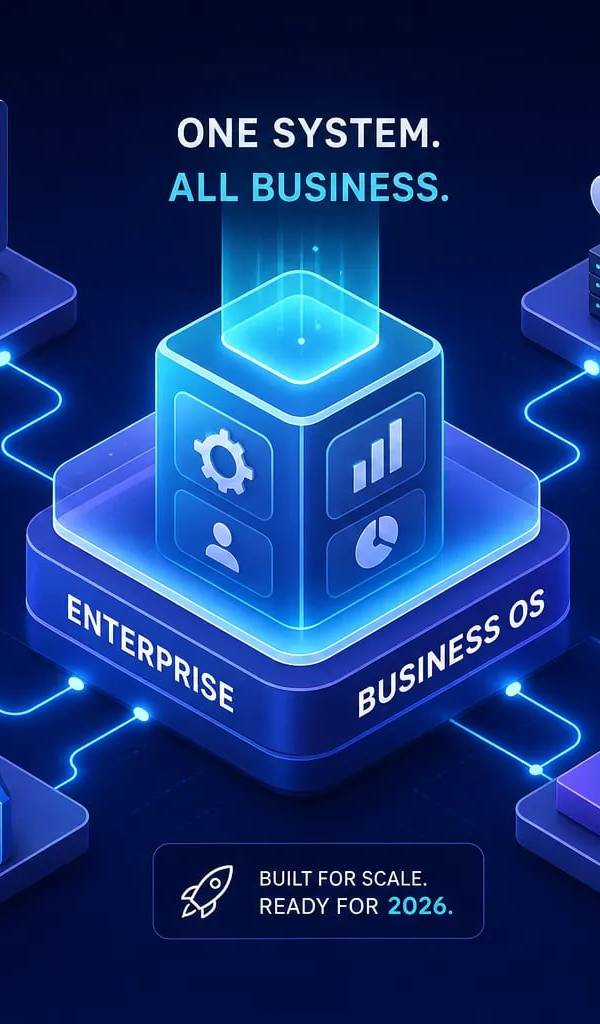
Enterprise Business OS Explained: What It Really Is in 2026
Learn what an enterprise business OS actually is, how it differs from ERP and CRM tools, and why field service companies are making the switch in 2026.
Explore the URBLD platform
Found this useful? Share it with another contractor or service business owner.